Roles
Three kinds of users can operate a compliance ready Flex. During software installation and activation, an Opentrons-trained representative will create accounts that fit into each role.
| Role | Permissions |
|---|---|
| Service |
|
| Admin |
|
| User |
|
Your lab can set up multiple administrator accounts that will have full access to the Flex. These accounts can configure administrator settings and the day-to-day user's experience. By default, they can also send protocols to the Flex, and view, download, and manage files.
User accounts can run protocols on the Flex and view files. By default, they won't be able to send protocols to the Flex, and they can't customize settings or delete files. In general, users are blocked from completing actions that require administrator credentials.
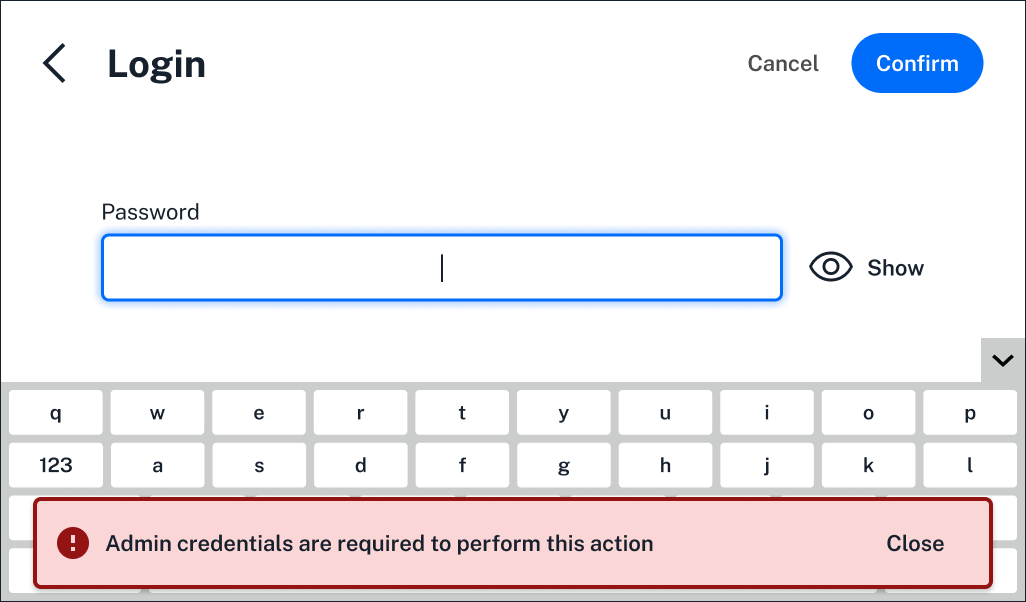
Administrators can customize settings to change some user permissions.
Account recovery
Your Opentrons-trained representative will help you set up a recovery account with an automatically generated username and password. Be sure to save these account details in a safe place in case you're ever locked out of the system.
All Compliance Ready Software accounts will be locked after a number of failed login attempts. An administrator can customize this number. If your lab loses access to all administrator accounts, try the following:
- Log in using your lab's recovery account. This account should only be used for emergency login, never regular use.
- Contact Opentrons for a paid, on-site recovery service. An Opentrons-trained representative will use a service account to restore access and preserve existing audit logs via a physical serial port.